
TL;DR: AnyROR 7/12 is the quickest way to check Gujarat land records online. Open anyror.gujarat.gov.in, choose “View Land Record – Rural”, pick the record type (7/12, 8A or VF-6), select the district, taluka and village, enter the survey number and captcha, and the record appears for free. For a bank or a registry, download a digitally signed copy from iORA.

What is AnyROR 7/12?
AnyROR (“Any Record of Rights Anywhere”) is the Gujarat Revenue Department’s portal for land records. The AnyROR 7/12 extract is the record most buyers ask for first. It shows who owns a survey number, how large it is, what type of land it is and whether any loan or right is recorded against it.
However, the 7/12 is only one part of the picture. In practice, you also need the 8A and Village Form 6 to see the full ownership story.
| Record | What it shows | Why it matters |
|---|---|---|
| 7/12 (VF-7/12) | Survey number, owner names, area, land type, tenure, loans and rights | Confirms who owns the land today and any burden on it |
| 8A (VF-8A) | All land one account holder owns in the village under one khata number | Shows the seller’s full holding in that village |
| Village Form 6 (VF-6) | Mutation entries: sales, inheritance, partition | Lets you trace the chain of ownership |
| 135-D notice | Notice issued before a mutation is certified | Shows a change that is still pending |
How do you check AnyROR 7/12 online, step by step?
Overall, the free view takes about two minutes. Follow these steps:
- Go to anyror.gujarat.gov.in.
- Click View Land Record – Rural.
- Choose the record type: VF-7 Survey No. Details for the 7/12, VF-8A Khata Details for the 8A, or VF-6 Entry Details for mutations.
- Select the district, taluka and village.
- Enter the survey or block number. If you do not have it, search by owner name instead.
- Type the captcha and click Get Record Details.
For land inside a city, use View Land Record – Urban instead. There, the main record is the property card, searched by city survey office, ward and survey number.
How do you get a digitally signed 7/12?
However, the on-screen record is informational. Banks, lawyers and registrars usually want a digitally signed copy. To get one:
- Choose the digitally signed RoR option, which opens iORA.
- Log in with your mobile number and the OTP.
- Select the village form, village and survey number, then add it to your request.
- Check the preview, pay the fee online and download the signed copy.
Also, download it soon after payment, because the generated copy is usually available only for a limited time.
How do you read an AnyROR 7/12 before buying land?
In fact, reading the record carefully matters more than finding it. Therefore, look at these points one by one:
- Owner names: they should match the seller exactly. If several co-owners appear, all of them must sign.
- Area: it should match the area in the sale agreement and the site measurement.
- Tenure: “new tenure” (navi sharat) land needs permission and a premium before it can be sold freely.
- Loans and rights: any bank charge or third-party right shows in the “other rights” column.
- Land use: agricultural land needs an NA order before housing can be built on it.
Next, open Village Form 6 and follow each entry number listed on the 7/12. Each entry explains how ownership changed, so a missing or disputed entry is a warning sign.
What are the common red flags in AnyROR records?
Above all, some issues come up again and again. For example:
- A 135-D notice that is still pending, which means a mutation is not yet final.
- A mismatch between the 7/12 area and the measured area on site.
- A name on the 7/12 that differs from the seller’s ID documents.
- Restricted tenure land offered without the required permission.
In any of these cases, pause the deal and ask a property lawyer to review the full title. Online records are a starting point, not a substitute for a 30-year title search.
Why do AnyROR records matter for Dholera buyers?
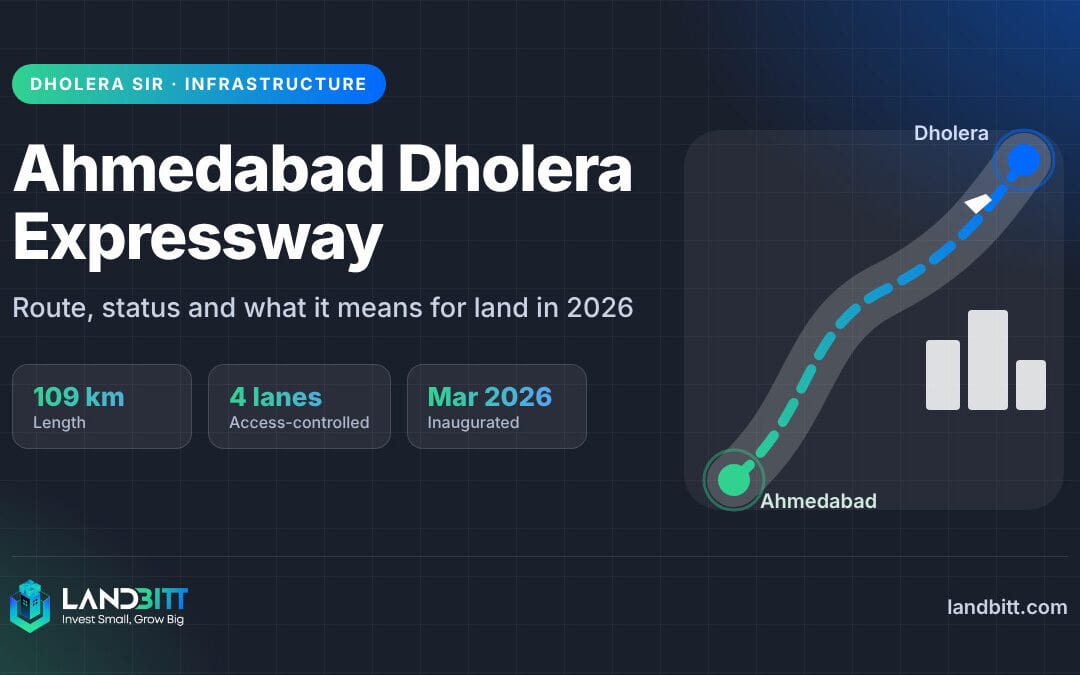
In particular, most plots around Dholera sit in villages, so their history lives in these village forms. If you are looking at land near the new Ahmedabad Dholera Expressway, check the 7/12, 8A and VF-6 for every survey number before you pay a token. Our step-by-step guide to investing in land covers the rest of the buying process, and our note on digital land records in India explains how these systems are changing.
For Landbitt’s own full plots, such as the Shyam Vihar project in Village Aakru, buyers get direct ownership through a registered sale deed, so the same checks apply.
Frequently Asked Questions
What is AnyROR 7/12?
AnyROR is the Gujarat government’s online portal for land records. The 7/12 extract on AnyROR shows the survey number, owner names, area, land type, tenure and any loans or rights recorded against a piece of agricultural land.
Is the AnyROR 7/12 copy valid for a bank or a sale deed?
The free on-screen copy is for information only. Banks and registrars usually ask for a digitally signed 7/12, which you can download from the iORA portal after logging in with your mobile number and paying the fee.
What is the difference between 7/12 and 8A?
The 7/12 describes one survey number: who owns it, its area and its rights. The 8A lists every survey number that one account holder owns in a village under a single khata number.
What is Village Form 6 on AnyROR?
Village Form 6 (VF-6) is the mutation register. It records each change in ownership, such as a sale, inheritance or partition, with an entry number you can trace back through the 7/12.
Can I search AnyROR by owner name?
Yes. If you do not know the survey number, AnyROR lets you search by owner name for the selected village. Spellings can vary, so try a few versions of the name.
The Bottom Line
AnyROR 7/12 takes minutes to check and can save you from a bad land deal. Pull the 7/12, 8A and VF-6 for every survey number, read them line by line, and then let a lawyer confirm the full title.